
Clean Your Keycaps Upgrade Planner
Plan your next sponge, soap, worker, or rebirth purchase before spending a coin.
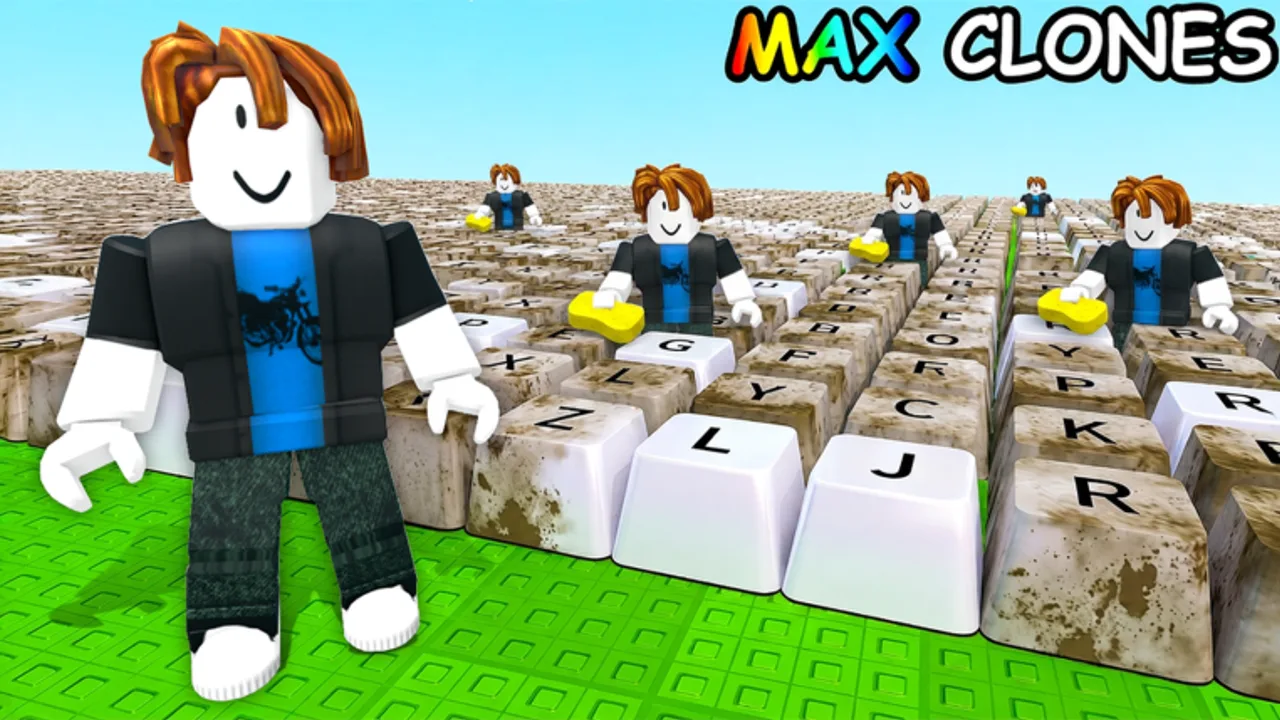
The Clean Your Keycaps economy punishes guesswork. Cash spent on the wrong row in the shop costs more than the price tag — it costs every keycap you would have sold while grinding toward the correct upgrade. This upgrade planner helps you map the next few purchases using the same logic as our Upgrade Priority guide: fix the slowest wash step, keep plot sales flowing, add workers when tools can feed them, and rebirth when multipliers beat incremental tools.
Use this page alongside the Sponge Tier List and Soap Tier List. Tier lists tell you what ranks S or D; the planner helps you sequence those rankings against your current balance and how long you plan to play today.
What the planner tracks
The interactive section below accepts inputs that mirror a typical 2 da moon! progression run:
- Current cash on hand — what you can spend without stopping sales entirely.
- Sponge band — which scrub tier you already own versus the next target.
- Soap band — rinse and polish tier relative to sponges.
- Worker count — whether automation is online yet.
- Session length — short burst vs long grind changes save-or-buy decisions.
- Rebirth readiness — optional flag when multipliers likely beat the next tool.
Outputs suggest a ordered shopping list for the session — not permanent account advice. Re-open the planner after each major purchase or [UPD] patch.
How to use the planner mid-session
- Finish one full wash cycle and note which step felt slowest — scrub, rinse, polish, or plot placement.
- Open the planner and set sponge and soap bands to match the shop UI.
- Enter cash and planned playtime.
- Read the suggested priority queue. If it says sponge but you know rinse is slower, trust the timer test and bump soap priority manually — the planner follows general rules, not your live frame data.
- After buying, refresh inputs before the next decision.
This loop keeps you from hoarding cash out of fear or panic-buying workers before sponges support them.
Planner vs tier lists
| Source | Best for |
|---|---|
| Sponge Tier List | Whether a sponge tier is S or D globally |
| Soap Tier List | Timing soap relative to scrub speed |
| Upgrade Priority | Phase-based buy order |
| Upgrade Planner (below) | Your next 2–4 purchases tonight |
Tier lists are static rankings; the planner is situational. Neither replaces playing the game — run one batch if suggestions feel off after a patch.
Example planning scenarios
Scenario A — New account, ten minutes. Cash is low, sponges are default, soap untouched. Planner should emphasize first sponge tiers and first sales before any worker or rebirth talk. Matches How to Play milestones.
Scenario B — Mid-band tools, first worker affordable. If scrub and rinse times are balanced, planner may surface first worker alongside the next sponge. Compare idle time: if workers would stand still, defer hiring one session.
Scenario C — Pre-rebirth bank. Cash is high but multipliers look ready. Planner may suggest rebirth instead of max tool tier. Cross-check Progress Checklist so you did not miss a cheap soap band that rebuilds faster post-reset.
Scenario D — Post-[UPD] patch. Costs shifted overnight. Reset planner defaults, read Latest Update Notes, and re-time one wash cycle before trusting old bands.
Limits and honesty
This wiki planner does not read Roblox servers. It cannot see secret discounts, unverified codes, or game pass bonuses you own. Add those mentally when comparing suggestions to shop prices.
We also do not invent exact coin costs for sponge row seven or soap row five — those numbers change. The planner uses band labels; you confirm prices in-game.
Interactive planner
Use the embed below to build your session plan. Adjust fields as you progress.
Upgrade Planner
Mark your current stage and session goal. The planner highlights the next purchase category that usually pays off first in Clean Your Keycaps.
Suggested order
After planning
When the queue empties, switch to gameplay until cash rises again. Track long-term goals on Progress Checklist if you play across multiple days. For Robux decisions, see Game Passes Worth It? before buying passes that might skip bands you already planned free.
Related pages
- Tools hub — all utilities
- Upgrade Priority — phase guide
- Scripts hub — automation risks
- Updates hub — patch tracking
Frequently Asked Questions
Quick answers for Clean Your Keycaps players.
Does the upgrade planner connect to Roblox?
No. You enter sponge band, soap band, cash, and session length manually. Nothing is pulled from your account.
How often should I refresh the planner?
After every major purchase, worker hire, rebirth, or [UPD] patch that changes shop prices.
What if planner advice conflicts with tier lists?
Trust a live timed wash cycle first. If rinse is slowest, favor soap tiers even when the planner emphasizes sponges for your band labels.
Can I plan rebirth with this tool?
Yes. Set rebirth readiness when multipliers likely beat your next tool. Confirm against the Upgrade Priority rebirth section before resetting progress.