
Clean Your Keycaps Planning Tools
Track upgrades, set rebirth targets, and stop guessing your next purchase.
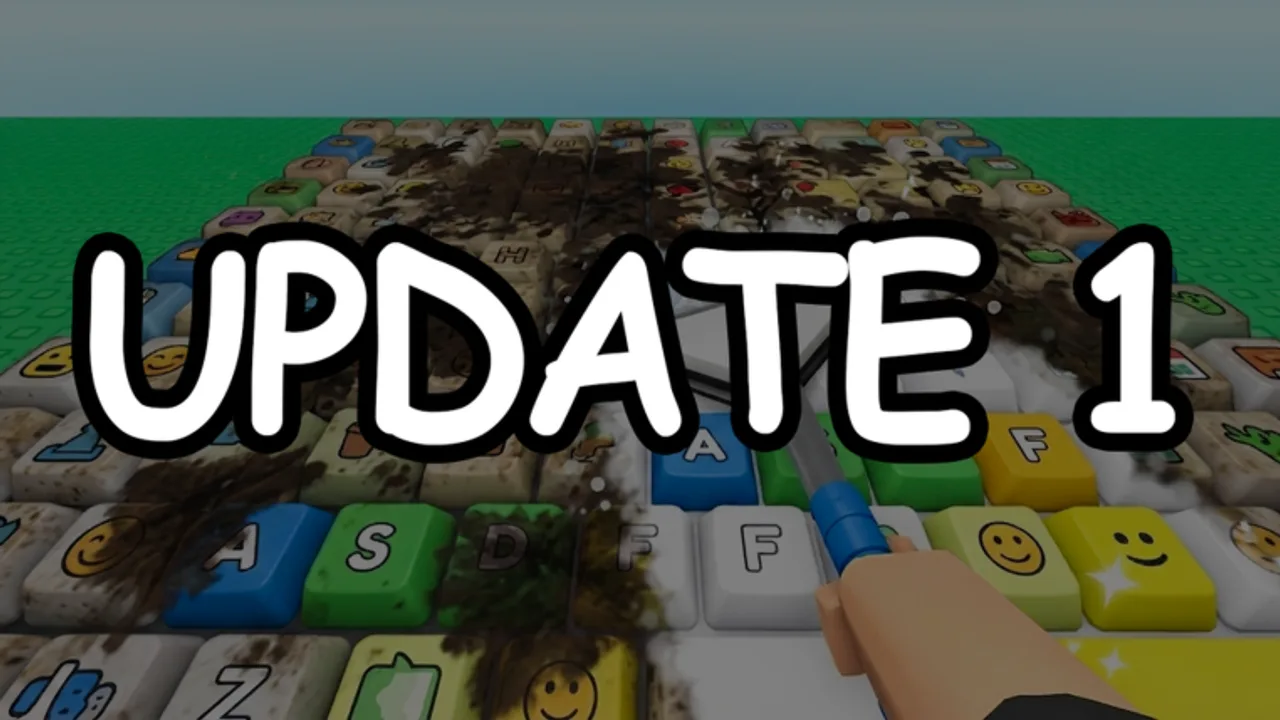
Grinding Clean Your Keycaps on Roblox gets easier when you know the next milestone before the shop menu loads. 2 da moon! built an incremental loop — scrub, rinse, polish, sell, upgrade sponges and soap, hire workers, rebirth — that rewards planning more than random buying. This hub hosts interactive helpers that complement the written Upgrade Priority and tier lists without replacing them.
Tools here are fan-made utilities for the wiki. They read the same progression logic described across our guides: fix your slowest wash step, keep plot income flowing, automate with workers at the right time, and rebirth when multipliers beat the next tool tier.
Available tools
Upgrade Planner
The upgrade planner lets you set targets for sponge bands, soap bands, worker unlocks, and rebirth timing based on your current cash and session length. Use it when you are deciding whether to save for a big tier or buy two smaller upgrades now. The page includes an interactive planner embed below the article text — adjust inputs there and compare paths side by side.
Best for: mid-game players juggling sponges, soap, and first workers.
Progress Checklist
The checklist tracks session goals — tutorial complete, first sponge jump, first soap tier, first worker, rebirth-ready tools — so you do not reset early or forget a step between play sessions. It embeds an interactive checklist you can tick off while playing.
Best for: new players following How to Play and veterans returning after an [UPD] patch.
How tools fit the wiki
Written guides explain why a purchase ranks S-tier or D-tier. Tools help you apply that advice to your account state:
| Question | Use this |
|---|---|
| What should I buy next? | Upgrade Priority then Upgrade Planner |
| Am I rebirth-ready? | Progress Checklist + Sponge / Soap tiers |
| Did a patch change costs? | Latest Update Notes then reset planner inputs |
| Are codes boosting me? | Active Codes — no verified codes at last review |
Tools do not connect to your Roblox account. Everything runs locally in the browser for privacy. Reset or refresh if you switch devices.
When not to over-plan
Incremental sims are meant to feel satisfying in short bursts. If planning takes longer than one wash cycle, buy the next affordable sponge tier and return later. The Sponge Tier List still wins when you just want a simple rule.
Likewise, do not treat checklist completion as mandatory rebirth timing. Rebirth when the multiplier math makes sense on the priority page — checklists are reminders, not rules.
Automation and scripts
Some players pair planning with automation from the Scripts hub. Scripts can automate washing and upgrades but may violate Roblox Terms of Service and risk account action. Wiki tools assume legitimate manual play; they do not require executors or external loaders.
Feedback and updates
When 2 da moon! ships an [UPD] patch, tool defaults may need refreshing to match new sponge rows or rebirth costs. We align tool copy with Latest Update Notes after verified changes. If an embed looks outdated post-patch, cross-check shop prices manually until we publish an refresh.
Related pages
- Upgrades & Tier Lists — ranked purchases
- How to Play — core loop tutorial
- Scripts hub — automation info and risks
- Review — is the game worth your time?
Frequently Asked Questions
Quick answers for Clean Your Keycaps players.
Do these tools need my Roblox login?
No. Planner and checklist tools run in your browser without account access. Enter progress manually based on what you see in-game.
Which tool should I use first?
New players start with the Progress Checklist to learn milestones. Mid-game players benefit more from the Upgrade Planner when choosing between sponge, soap, and worker purchases.
Do tools update after game patches?
We refresh tool guidance after major [UPD] patches documented on the Updates hub. Always verify live shop prices if a patch dropped recently.