
Clean Your Keycaps Tips and Tricks
High-impact habits that raise caps per minute without wasting cash on the wrong upgrade.
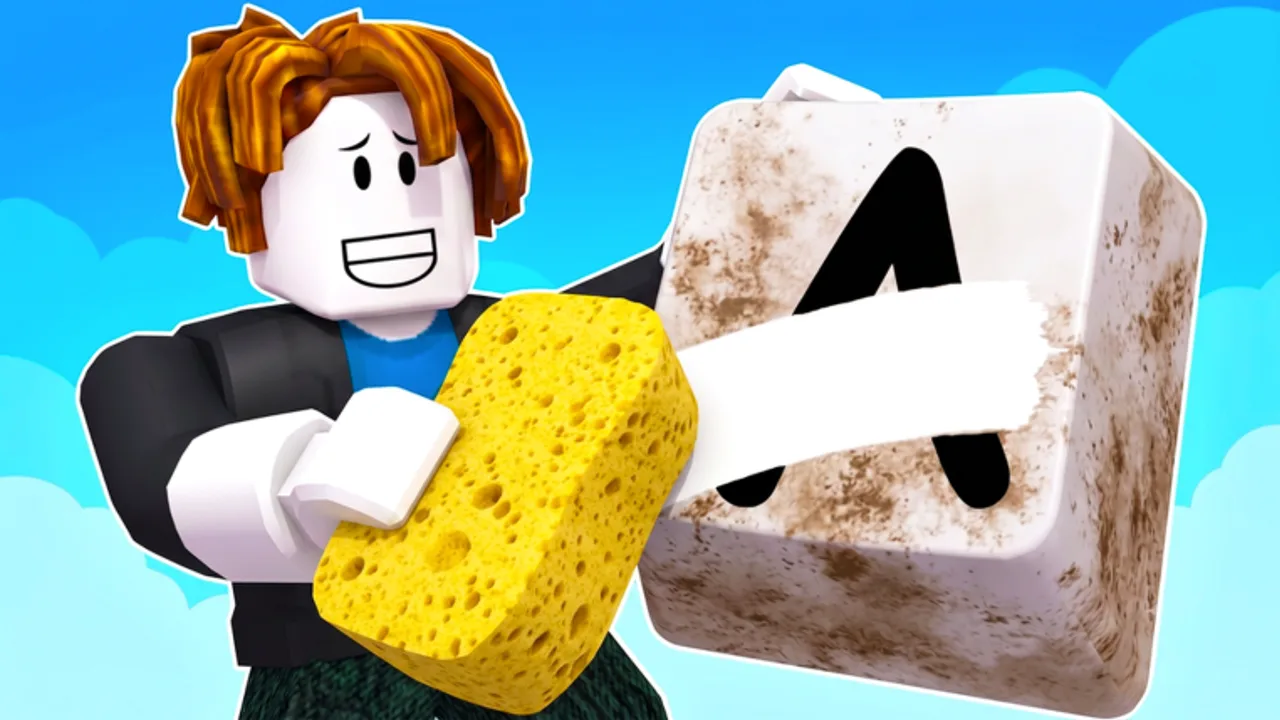
Clean Your Keycaps rewards small habits more than raw click speed. After you learn the scrub-rinse-polish loop from How to Play, the next jump in progress comes from cleaner routes, smarter soap dunks, timed worker hires, and calm rebirth decisions. This page collects practical tips used by players who climb without chasing fake codes or risky scripts.
Use it as a checklist during a single session. Pair it with How to Clean Faster for tool math and Upgrade Priority before big spends.
Tip 1: Time three caps before you buy anything
Do not open the sponge shop on vibes. Wash three dirty keycaps and notice which stage eats the most seconds: scrub, rinse travel, or polish. Buy the upgrade that attacks that stage. If scrub is slow, open the Sponge Tier List. If rinse or polish lags, check the Soap Tier List and Soap Dunk Guide.
This single habit stops the common early-game trap of buying a flashy sponge while you still walk across the plot every rinse.
Tip 2: Dunk for the hard caps, not every cap
Soap dunks and sponge dunks usually give a short power window. Spend that window on the grimiest keycaps in your queue. Rolling or dunking before every easy cap burns buff time on work that did not need help. Details live on Soap Dunk Guide.
Tip 3: Keep stations in a tight circle
Treat your wash floor like a production line. Scrub mat, rinse, polish, and placement rack should form the shortest loop your layout allows. Diagonal sprints between stages silently destroy caps per minute even when your sponge is strong. Re-read Controls if camera or shift-lock fights your movement.
Tip 4: Place clean caps on a rhythm
Cleaning alone does not pay — placement does. Collect and place in batches tied to natural breaks (after a dunk expires, after a polish finishes) instead of random detours mid-scrub. How to Earn Money and Place & Sell Keycaps expand this loop.
Tip 5: Hire workers only when tools can feed them
A worker stuck waiting on a slow rinse is wasted cash. Hire when your sponge and soap tiers already keep stations busy, then let automation take the dullest stage. See Hire Workers for Auto Wash priority and payroll mistakes.
Tip 6: Rebirth when income plateaus, not when the button glows
Rebirth is a math decision. If the next sponge costs more than you earn in a long session and multipliers would buy that tier faster after reset, open How to Rebirth. If you are still climbing sponge tiers smoothly, keep grinding.
Tip 7: Ignore codes from other keycap games
Build a Keyboard, Place the Keycaps!, Spin a Keycap, and Collect a Keycap! are different Roblox experiences. Their promo strings will not redeem here. Active Codes stays empty until 2 da moon! publishes a verified Clean Your Keycaps code. Fake lists often paste those other games’ codes into Clean Your Keycaps thumbnails.
Tip 8: Re-check shops after every [UPD] tag
The experience title often shows [UPD] after live changes. On August 2, 2026 the universe updated again while visits sat near 3.95 million and favorites near 240k. Walk sponge, soap, worker, rebirth, and store tabs before committing Robux or a rebirth. Use Latest Update Notes.
Tip 9: Prefer official progression over loaders
Auto farm loaders advertise Auto Wash, Auto Dunk Sponge, Auto Place, and Auto Rebirth. They can break ToS and break after patches. If you still research them, read Auto Farm Script safety notes — and never paste loadstrings from random comments.
Tip 10: Track milestones with tools
Use Upgrade Planner before dumping cash and Progress Checklist to see whether you are early, mid, or rebirth-ready. Tools beat memory once sessions get long.
Beginner session plan (45–60 minutes)
- Complete one full wash and place cycle (How to Play).
- Time three caps; buy one bottleneck upgrade only.
- Practice one dunk window on a hard cap (Soap Dunk Guide).
- Place a full rack batch; note income (Place & Sell).
- Skim Beginner Mistakes before logging off.
Advanced habits
Batch hard caps under dunk buffs. Collect money on rinse cooldowns. Disable camera drift with shift-lock while scrubbing. Screenshot shop prices before and after [UPD] so you notice nerfs or buffs. Bookmark the official game page and 2 da moon! group — about 347k group members as of our August 2026 check — for announcements instead of YouTube comment codes.
Related reading
Frequently Asked Questions
Quick answers for Clean Your Keycaps players.
What is the best Clean Your Keycaps tip for beginners?
Time three wash cycles before buying upgrades, then spend only on your slowest stage — usually scrub early, rinse travel next.
Should I dunk soap on every keycap?
No. Save dunk windows for dirty or resistant caps so the buff is not wasted on easy washes.
Do tips replace the Upgrade Priority page?
No. Tips cover habits; Upgrade Priority covers spending order. Use both together.
Are codes required to use these tips?
No. There are no verified Clean Your Keycaps codes yet. These habits work without promos.